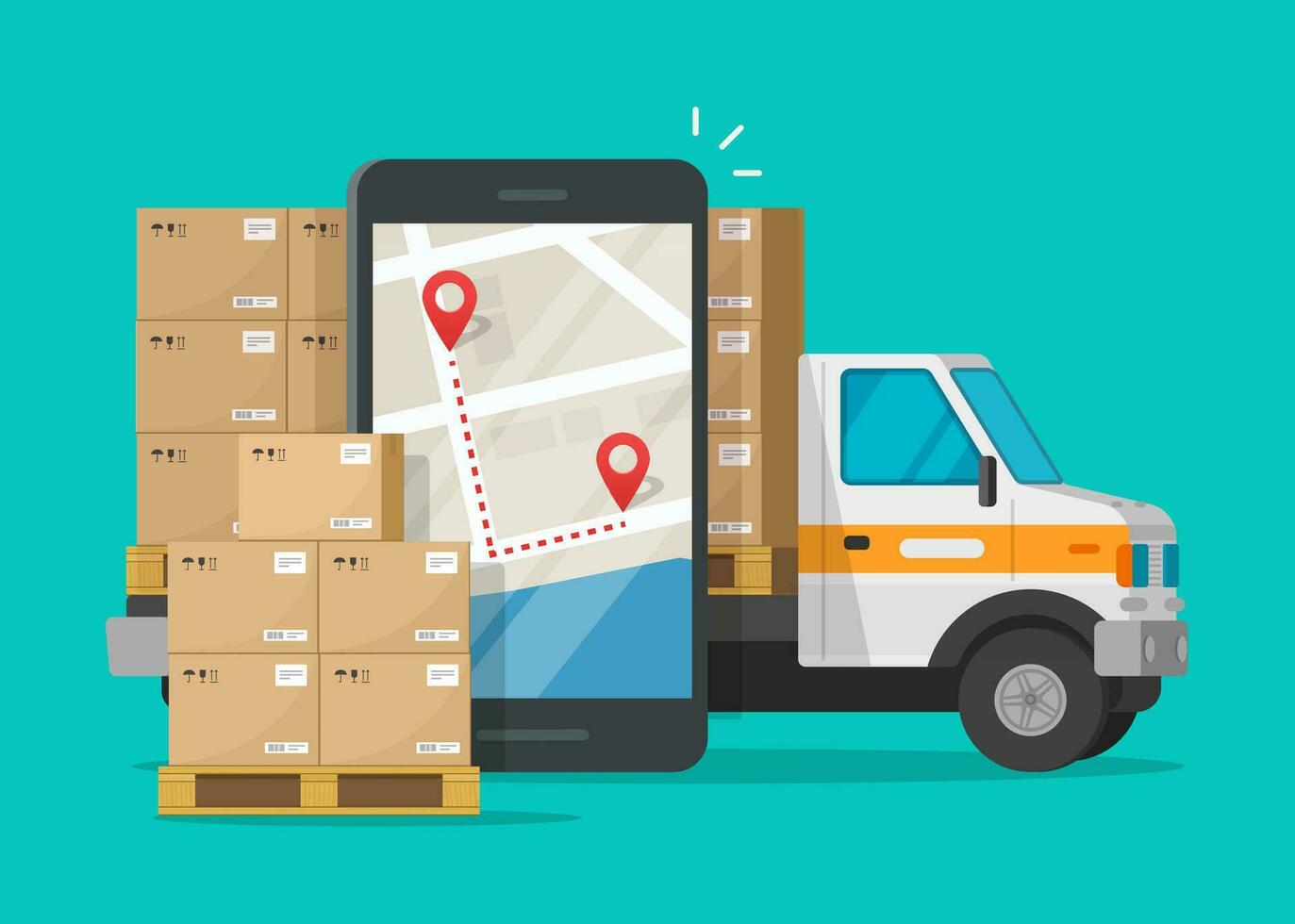
Step-by-Step Guide to Tracking Your Shipment
Tracking your parcel with Silonet Logistics is quick and easy. Follow these simple steps to stay updated on your shipment's journey from Dar es Salaam to Lusaka.
Step 1: Locate Your Tracking Number
When you ship a parcel with Silonet Logistics, you will receive a unique tracking number (e.g., SLN202504251234). Keep this number safe as it is your key to tracking your shipment.
Step 2: Visit Our Tracking Page
Go to our website and click on the "Track Parcel" link in the navigation menu, or visit: silonetlogistics.com/track_parcel.php
Step 3: Enter Your Tracking Number
Type or paste your tracking number into the search box and click the "Track Parcel" button.
Step 4: View Your Shipment Status
You will see real-time updates on your parcel's location and status, including:
- Pending – Parcel registered and waiting for processing
- Pickup Point – Parcel ready for pickup or collected
- In Transit – Parcel is on the way to destination
- At Nakonde Border – Parcel at Tanzania-Zambia border
- At Kapiri Mposhi – Parcel arrived at Kapiri Mposhi
- At Lusaka – Parcel arrived at Lusaka warehouse
- Warehouse – Parcel ready for collection at warehouse
- Delivered – Parcel successfully delivered
Need Help?
If you have any questions about your shipment, contact our customer support team at +255 764 567 890 or email us at info@silonetlogistics.com. We are available 24/7 to assist you.

No comments yet. Be the first to share your thoughts!